Operations · Application area 18 of 26
Computer Vision for Quality Control and Site Safety
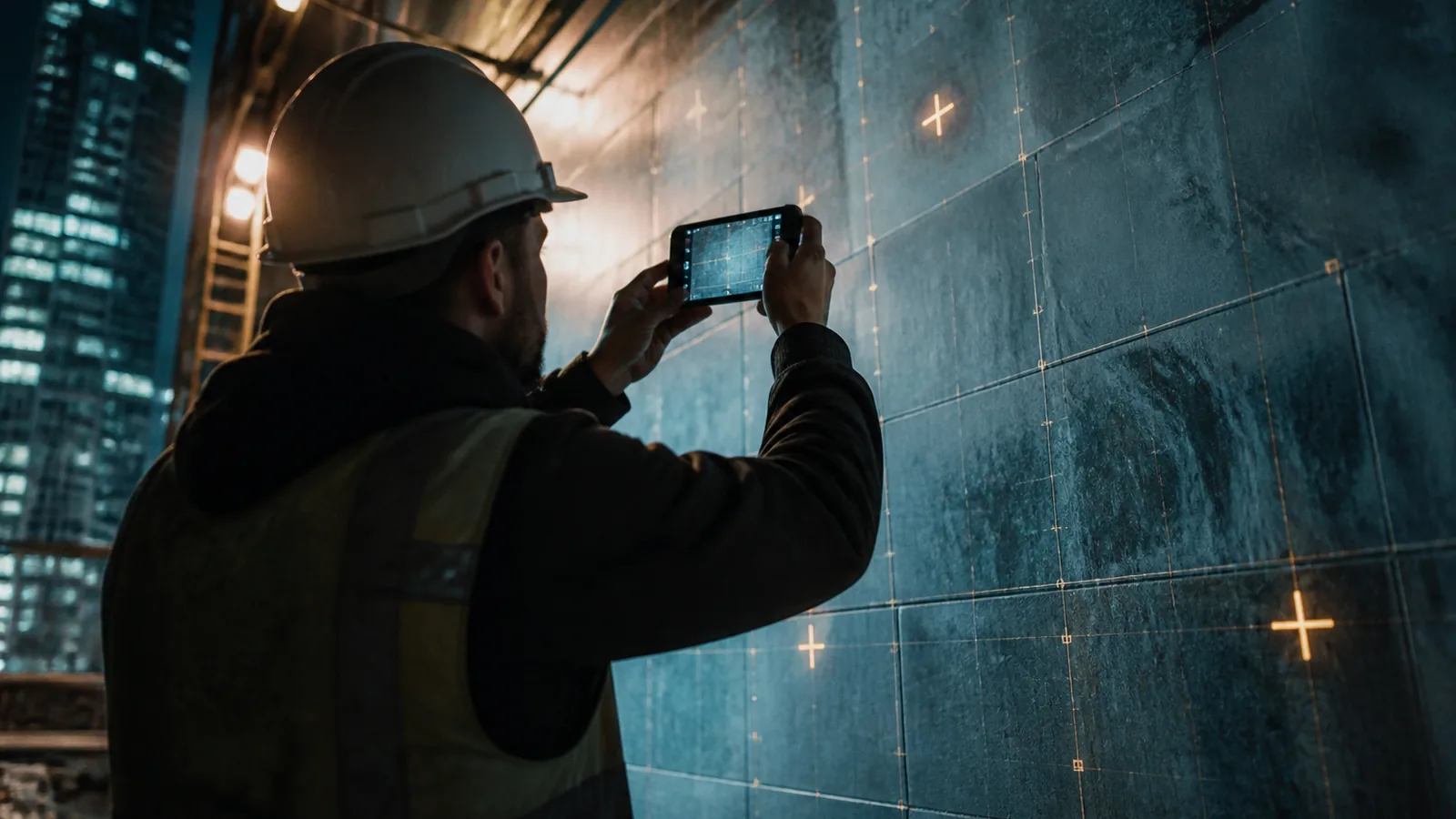
CyberGipsy applies computer vision to the photographs your crews already take: progress verified against plan, common defects flagged, safety issues surfaced, and a searchable visual record of every job. It is a second pair of eyes, not a replacement for a supervisor.
Definition. Computer vision quality control is the automated analysis of site photographs and video to detect progress, defects, safety issues and deviations from specification.
The problem this removes
- Defects are found at handover, when fixing them costs five times more.
- Safety compliance is checked when someone happens to walk past.
- Progress claims are argued over because nobody has dated evidence.
What we actually build
Photo pipeline
Site photos ingested, dated, geotagged and linked to the job and location.
Progress verification
Comparison against programme and previous captures.
Defect detection
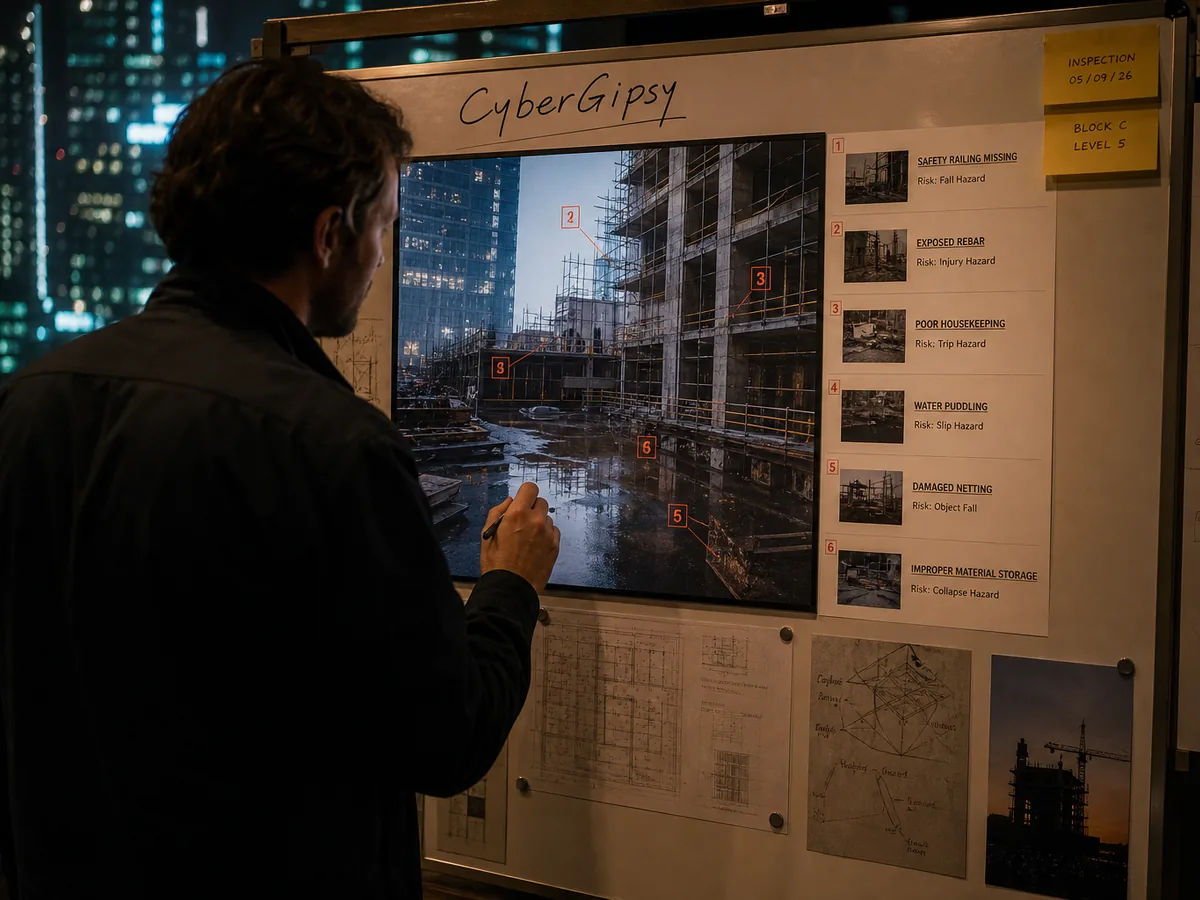
Common, checkable issues: alignment, coverage, finish, missing components, water ingress signs.
Safety flags
Missing protective equipment, blocked routes, unguarded edges, housekeeping.
Specification checks
Materials and installations compared to the approved specification where visually verifiable.
Reporting
Weekly quality and safety summary with images and locations.
Evidence archive
Searchable by job, date, area and issue type.
How the install works
Five steps. Nothing here is a workshop.
Define what is checkable
A short list of issues that vision can actually detect reliably.
Set the capture routine
Consistent angles and coverage, otherwise analysis is noise.
Calibrate on your own work
Models tuned on your projects and your standards.
Run advisory only
For the first month it flags, humans decide, and we measure false positives.
Formalise
Once precision is acceptable, flags enter the snag and safety workflow.
What changes, in numbers
Honest ranges from installs of this type. Your baseline is measured during the diagnostic so the comparison is yours, not an industry average.
| Measure | Typical before | After install |
|---|---|---|
| Defects found before handover | Some | More, earlier |
| Safety checks per week | Occasional | Every photo set |
| Time to compile a quality report | Hours | Automatic |
| Dated visual evidence per job | Partial | Complete |
| Cost of a late-found defect | High | Reduced by early detection |
What AI will not do here
This is the sphere where honesty matters most. Vision models detect what is visible and what they were trained on. They miss hidden defects, they generate false positives, and they must never be the sole basis for a safety sign-off or a structural judgement. We deploy them as an advisory layer with measured precision, we keep a qualified human accountable for every decision, and we handle worker imagery carefully: monitoring people rather than work creates legal and cultural problems that outweigh the benefit.
Computer Vision Quality & Site Control: questions we get asked
How accurate is defect detection?
It depends on the defect type and image quality. Some checks are highly reliable, others are not worth deploying. We measure precision and recall on your own photos during the calibration month and only keep the checks that earn their place.
Is this surveillance of my workers?
It should not be. We analyse work, not individuals, blur faces by default, and recommend against performance monitoring of people through cameras. In several of our markets that would also require works council or legal consultation.
Do I need special cameras?
No. Phone photos taken to a consistent routine are enough for most checks. Fixed cameras or 360 capture add value on large sites.
Can it verify progress claims?
It can support them with dated, located evidence and a comparison to the previous state. The claim itself remains a commercial document signed by a person.
What about privacy of client property?
Images are stored in your own environment, retention is set by you, and client permission for any external use is tracked.
When is it not worth it?
On small, short jobs with a supervisor permanently present, the marginal value is low. It pays on multi-site, multi-crew operations where nobody can be everywhere.
Where this fits next
AI Project & Field Operations
AI field operations management is the automatic generation of project records, progress tracking and issue escalation fr…
Read →AI SERVICEDocument, Contract & Compliance Automation
Document and compliance automation is the generation, extraction, classification and tracking of business documents by s…
Read →AI SERVICEAI Governance, Security & Risk
AI governance is the set of policies, controls and records that determine how a company uses AI systems, what data they …
Read →AI SERVICEAI Analytics, BI & Dashboards
AI analytics is the consolidation of business data into a governed model, combined with a natural-language interface tha…
Read →INDUSTRYRenovation & Construction Contractors
CyberGipsy installs AI systems for renovation and construction firms: faster estimating, instant response to enquiries, …
Read →INDUSTRYManufacturing & Workshops
CyberGipsy installs quoting, procurement and costing systems for workshops and small manufacturers, so orders are priced…
Read →CITYLondon
The most competitive trades market in Europe, where speed of response decides who gets the job.
Read →CITYDubai
Fast money, fast projects, and a market where presentation quality decides who gets shortlisted.
Read →CITYBangkok
A messaging-first market where the business that answers on LINE in one minute wins the job.
Read →Is computer vision quality & site control your highest-return system?
The audit ranks every automation by return for your specific business. Most companies discover the answer is not the one they expected.